Mística powered with AI ⚡
AI tools, new contexts, Liquid Glass, fresh icons… and yes, a little magic ✨
This quarter, AI becomes core to Mística with tools to supercharge your workflow. The way you build just changed, and it's exciting.
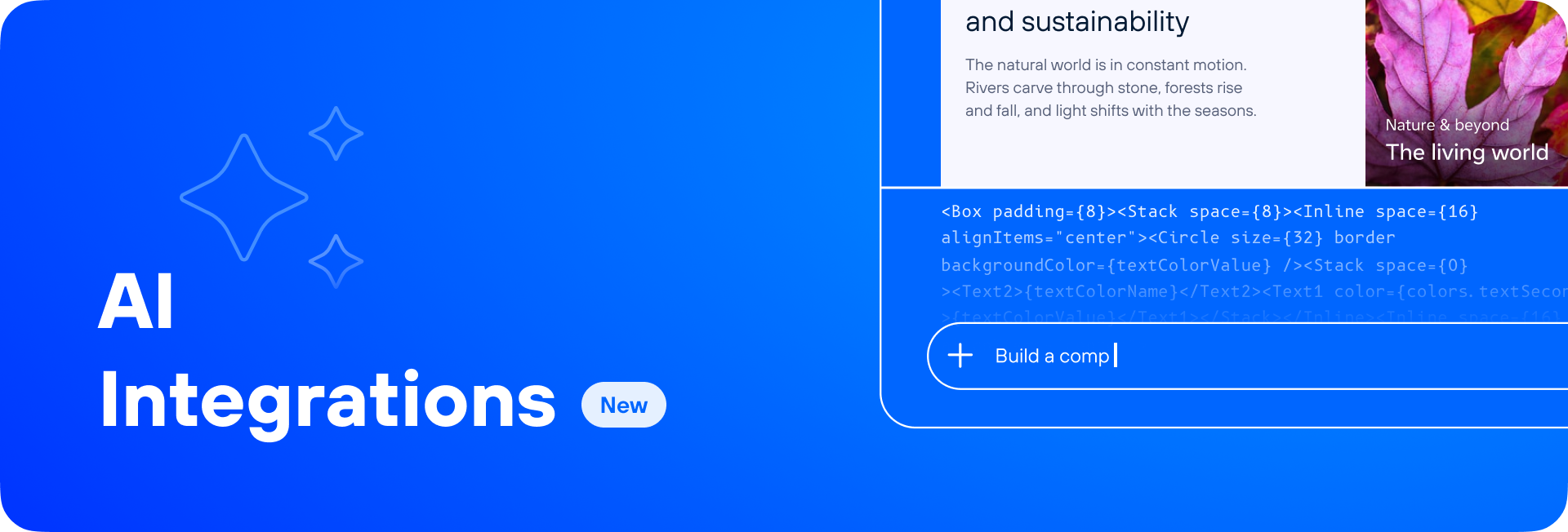
AI Integrations: Tools that change how you build
The intersection of AI and Mística is now a reality. We've supercharged your development and design tools with fresh capabilities to help you build better and faster.
Three tools, ready to use:
Mística Scaffold – Prototypes with Mística components and Figma Make.
Figma MCP – Your AI assistant connected in real time with Figma.
Skills – Structured Mística context for front-end developers and AI assistants.
How to access them
Just go to the AI Integrations section in Brand Factory (Get Started > AI Integrations). There you’ll find each tool, along with best practices and step-by-step guidance to get started.
Whether you’re exploring AI-assisted prototyping, generating components with code, or integrating AI into your workflow, this is your starting point.
And this is just the beginning. New integrations, Skills improvements, and more tools are on the way.
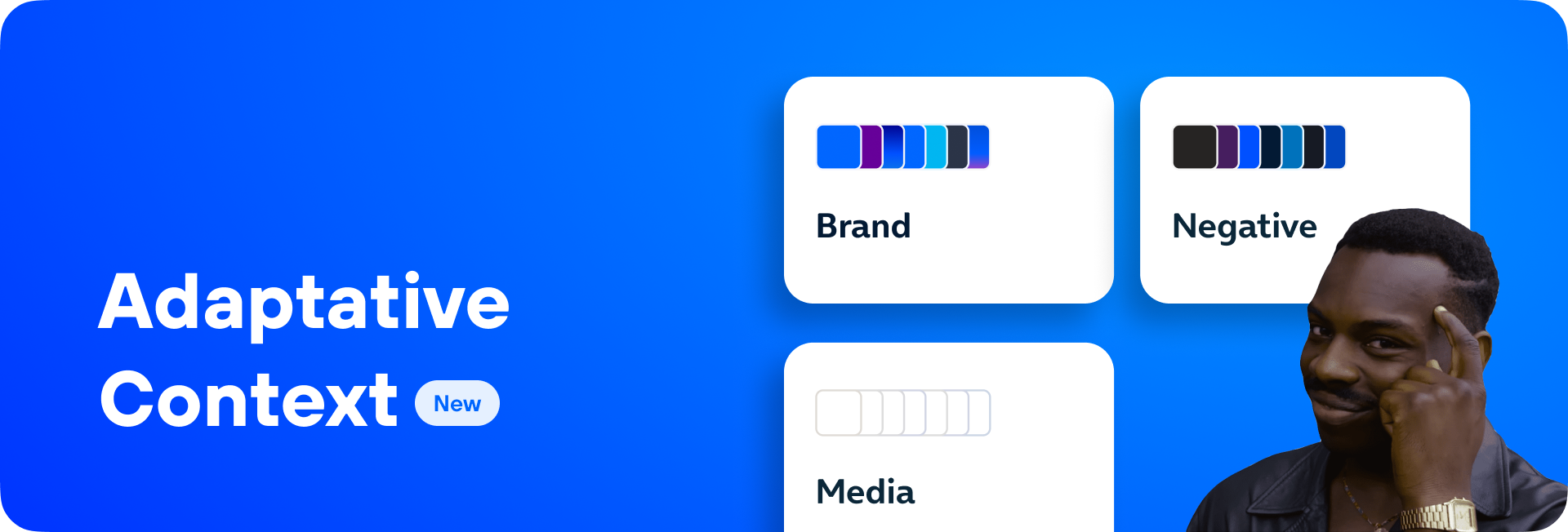
Every Surface. Every Context.
The new brand, negative, and media contexts give every skin full control over how components look in different environments.
As part of this evolution, inverse has been split into two specific contexts, negative and brand, which more precisely cover the different use cases. As a result, inverse is now deprecated and no longer used.
Brand: Applies signature styling for each brand identity.
Negative: Handles light-on-dark with proper contrast.
Media: Adapts components sitting on images or video with dedicated text tokens.
These contexts have been key for the Blau team’s accessibility work on contrast and legibility, and we’ve also fixed O2’s pressed button contrast issues.
How it works:
A container variant defined as default, brand, alternative, negative, or media creates a context. All components placed inside that container automatically adapt to improve contrast and visual coherence.
For a deeper dive, visit the color documentation →
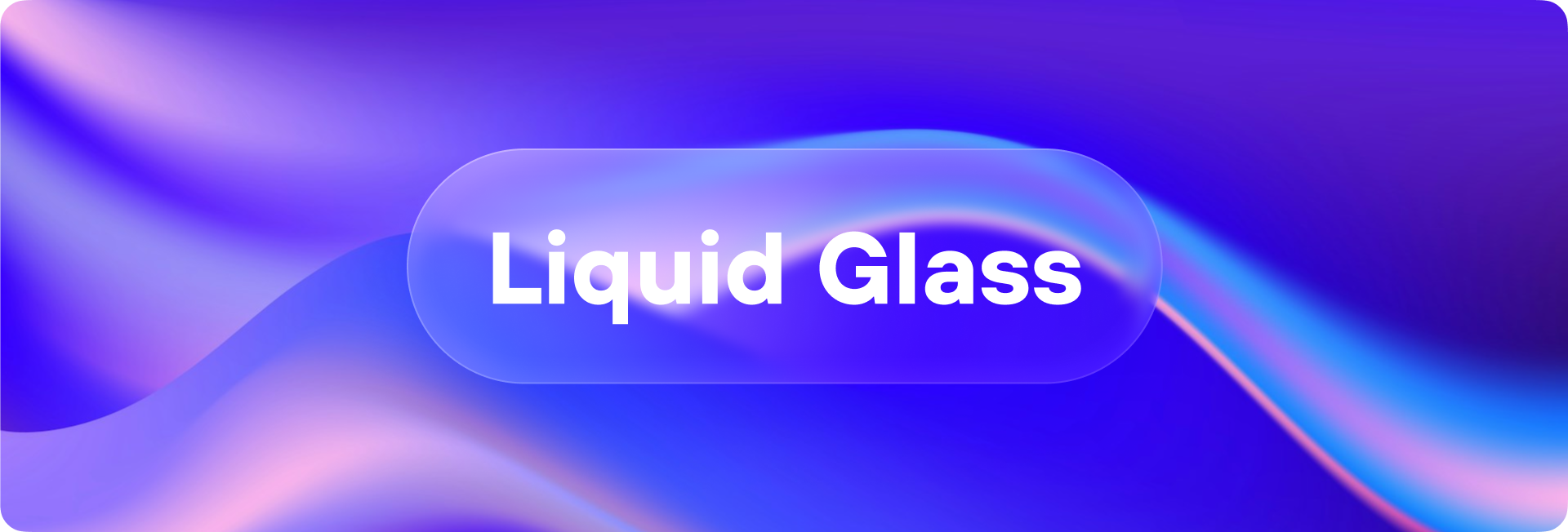
Welcoming Liquid Glass
Apple’s Liquid Glass in iOS 26 changes how native apps look and feel; and Mística is ready. We’ve been working on adapting the system to the new native style, with the goal of staying true to the platform while keeping coherence across the rest of the Mística ecosystem.
As part of this work, we’ve introduced new High Contrast color tokens for the UITabBar (specifically the iosGlassAppBar token), ensuring sufficient contrast for tab bar icons and text without relying on system-level accessibility settings.
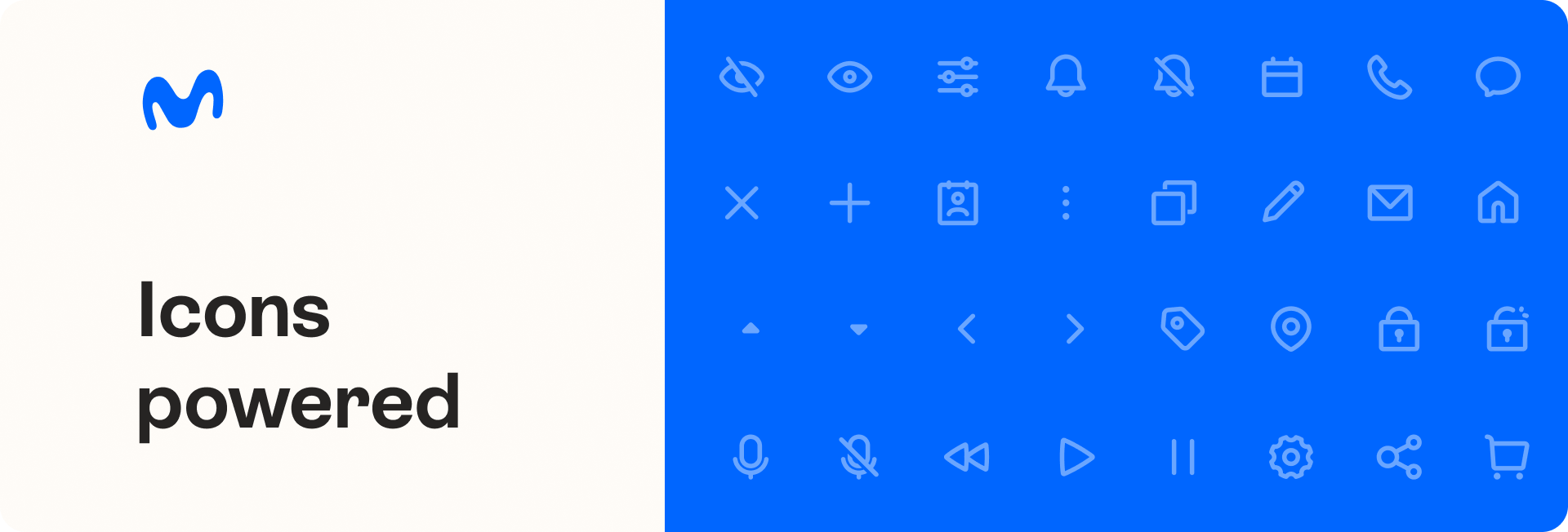
A sharper icon set
Driven by the Global Brand and Spain team, we’ve created a new icon set for the Movistar brand. We’ve resolved stroke inconsistencies to improve visibility, modernized the style to align with the new Movistar identity, and expanded the library to serve all Telefónica brands.
We’ve also incorporated 169 concepts to create a more cross-brand package, and added 110 new icons designed for today’s needs. The result: a unique, comprehensive system ready for any product and any context.
Following the same approach as Movistar Sans, the new icons balance consistency and flexibility with two styles: regular and solid.
We’ve also implemented a new search system with keywords and categories, making it faster than ever to find the right icon.
Explore Mística Icons catalog →
If you need to include a new icon, we’ve created resources with clear guidelines to make the process simple.
Discover the new Movistar icons →
Fresh off the shelf
File upload: Enables users to upload files, such as images, documents, or audio, by dragging and dropping into a dropzone or clicking to select from their device.
Autocomplete: A long-awaited input component that suggests results as users type, ready for search and form flows across platforms.
Time Field: Dedicated time selection input, purpose-built and consistent.
Square primitive: A new foundational shape component with border color support, joining Circle in the primitives family.
Tag small variant: Compact tags for data-dense layouts and tight spaces.
Extra Large Desktop breakpoint: Wide-screen experiences finally get the room they deserve.
SearchField improvements: A polish pass on behavior and usability.
Discover these updates and many more improvements in our Changelog →
What’s next? Spoiler: it’s big. 🚀